Your wine and beer cellars, beautifully organized.
Point your camera at a label. Cellar reads it, finds what it costs today, tidies the photo and files it on the right shelf. Then ask Rémy or Brew what to open tonight — out loud.
Works on desktop and mobile. Add it to your home screen for easy access.
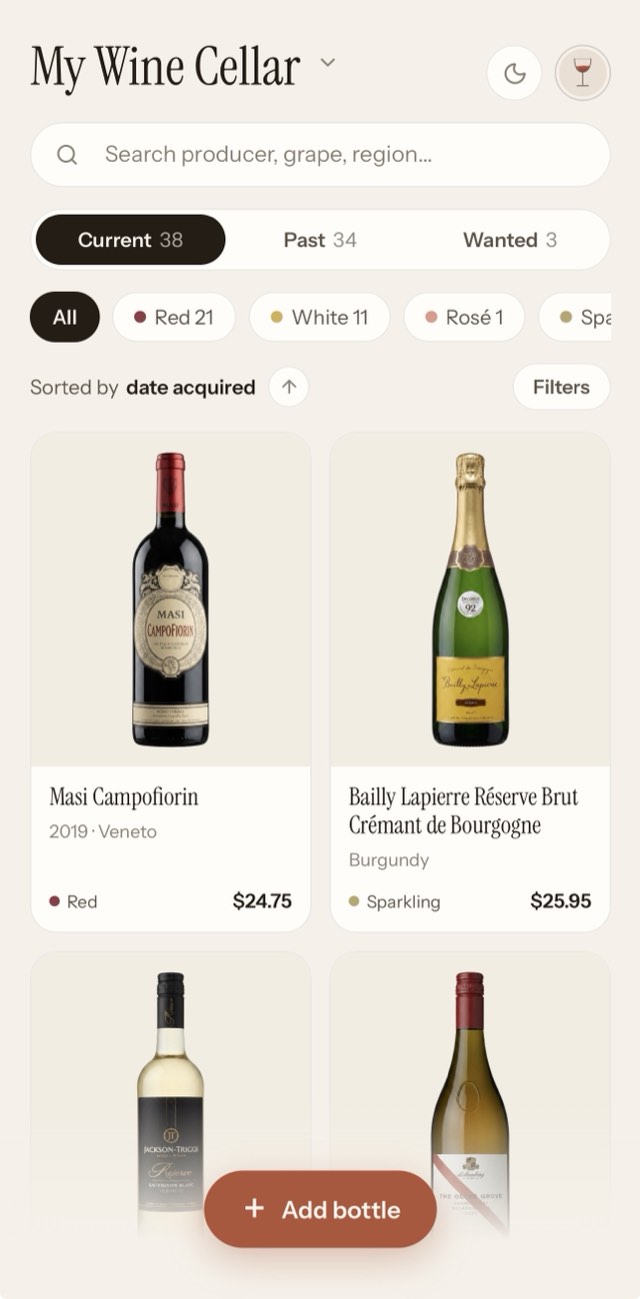
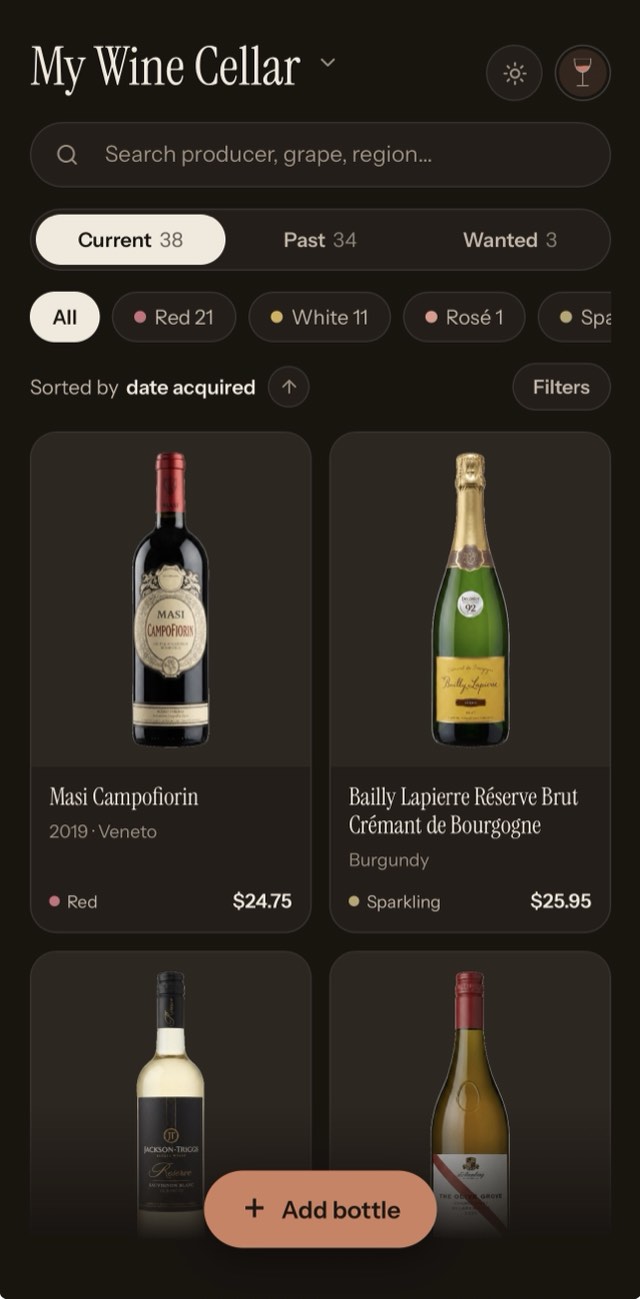
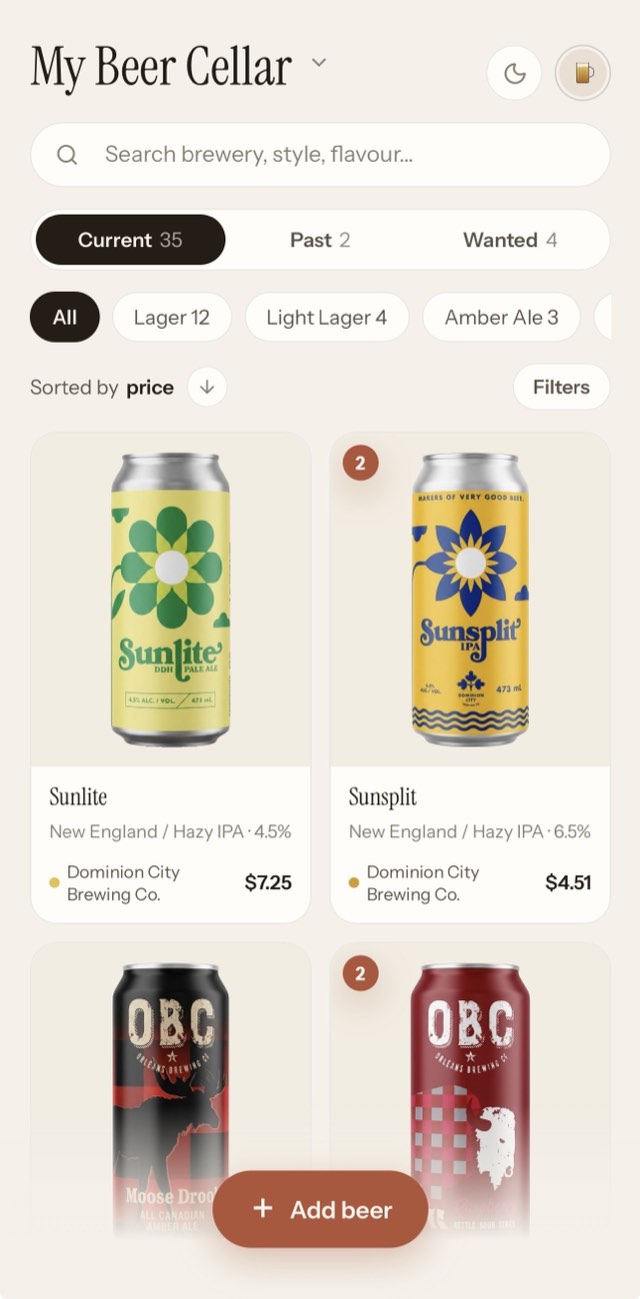
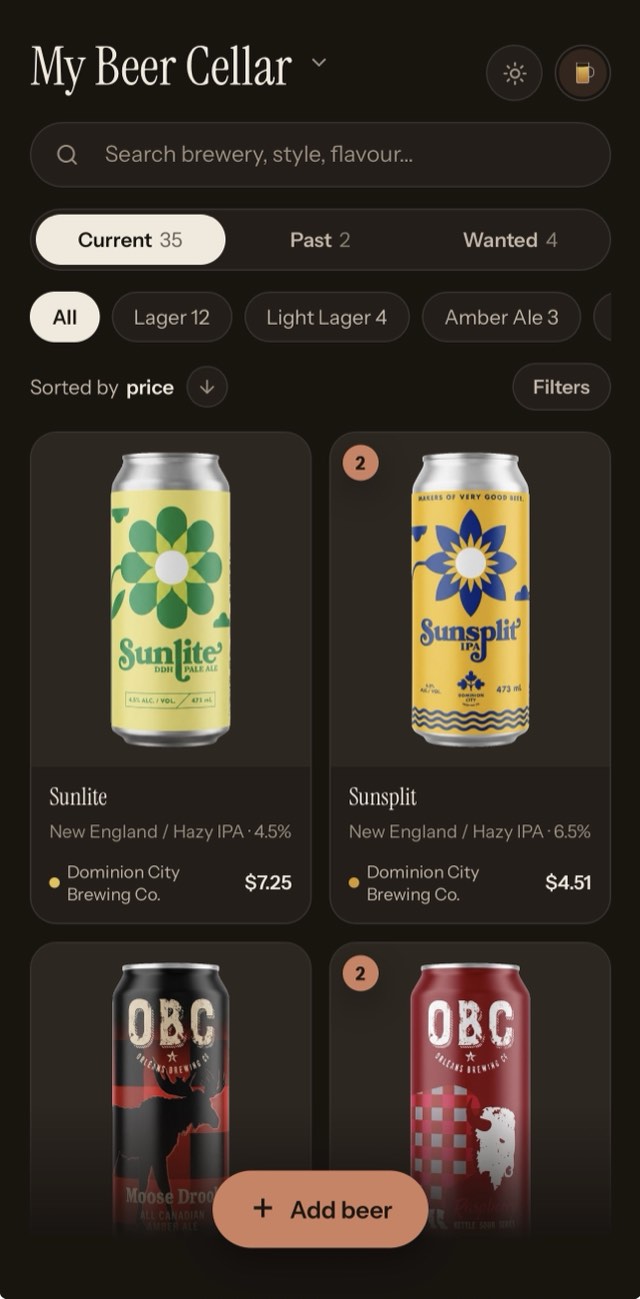
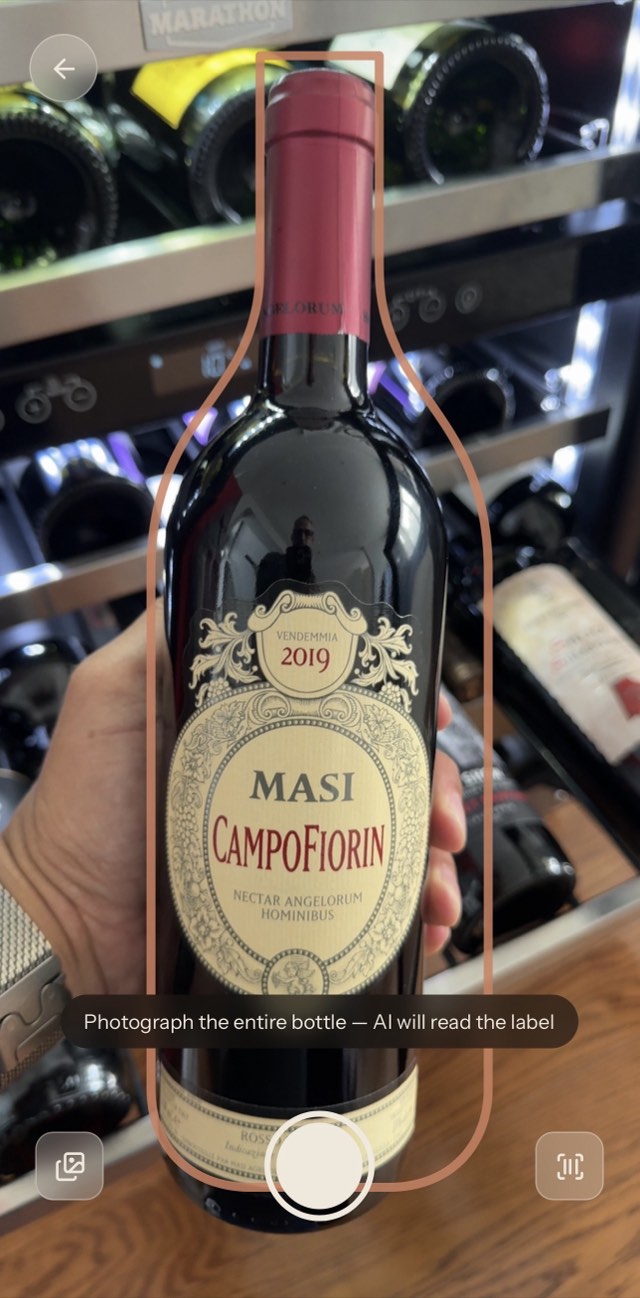
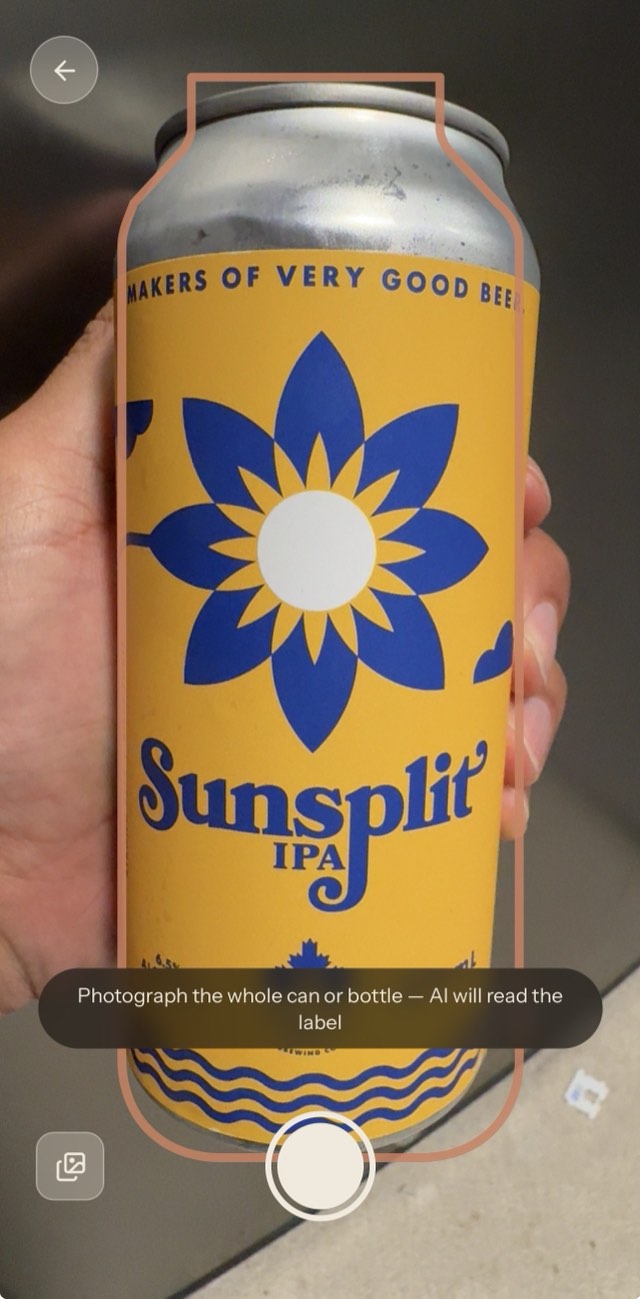
Add a bottle — or a can — in the time it takes to read the label.
-
Scan the label. Hold the camera up and it reads the producer, the vintage, the grape, the style — and looks up what the bottle costs today.
-
Or scan the barcode. No shutter button — point at the code and it reads continuously until it catches.
-
Or pick from your camera roll. The photo you already took at the restaurant works fine.
-
The photo gets cleaned up. Cut from its background and set on a neutral backdrop, so a shelf of bottles photographed in six different kitchens still looks like a set.
Wine and beer, each on its own terms.
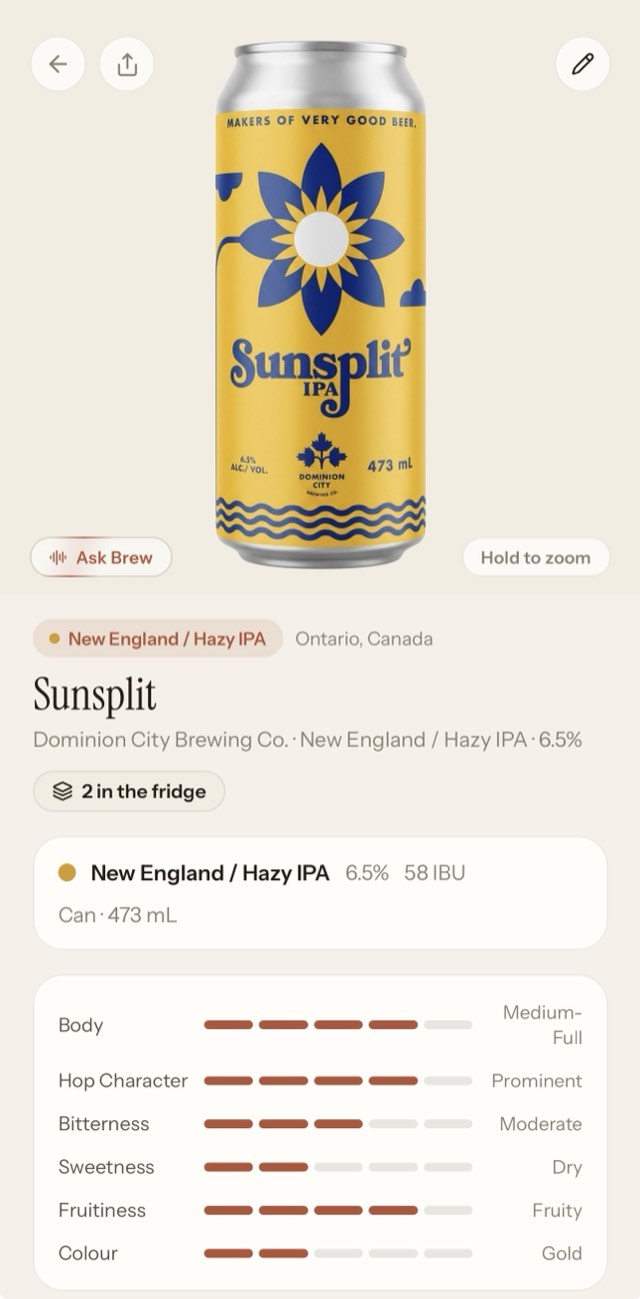
Every scan lands in a cellar built for its kind. A cellar holds one or the other, never both — because a Barolo and a barrel-aged stout have nothing in common but a shelf. The vocabulary, the filters, the card design and the assistant all change to match what's in it.
Wine
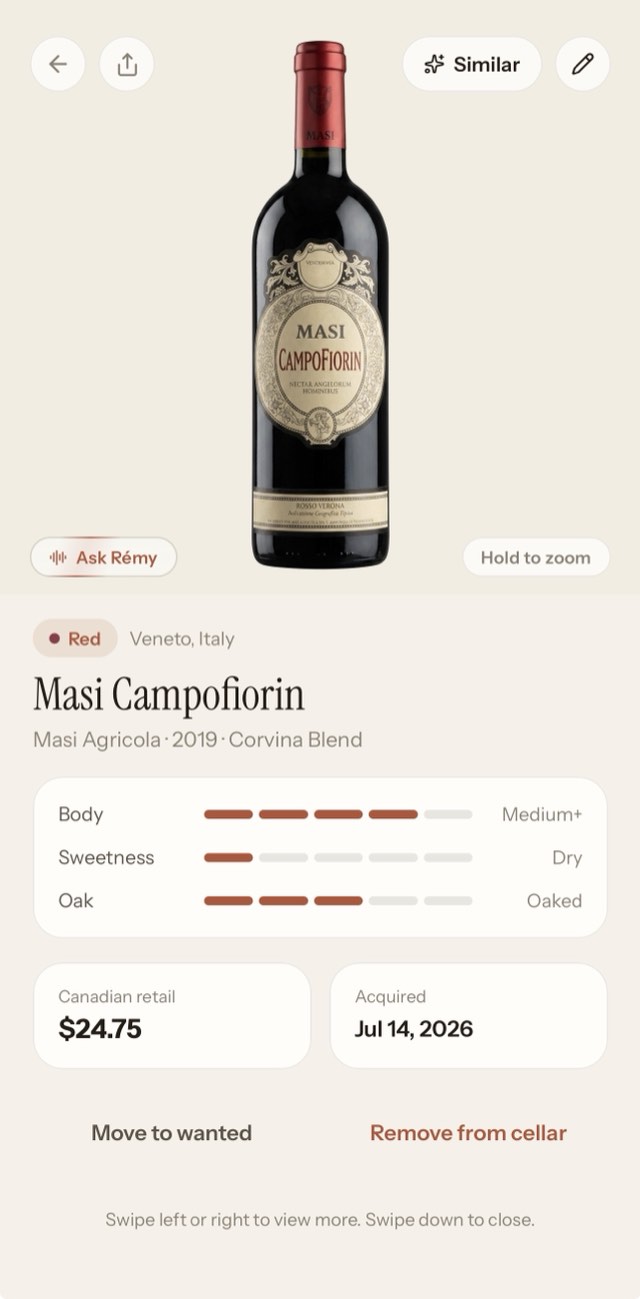
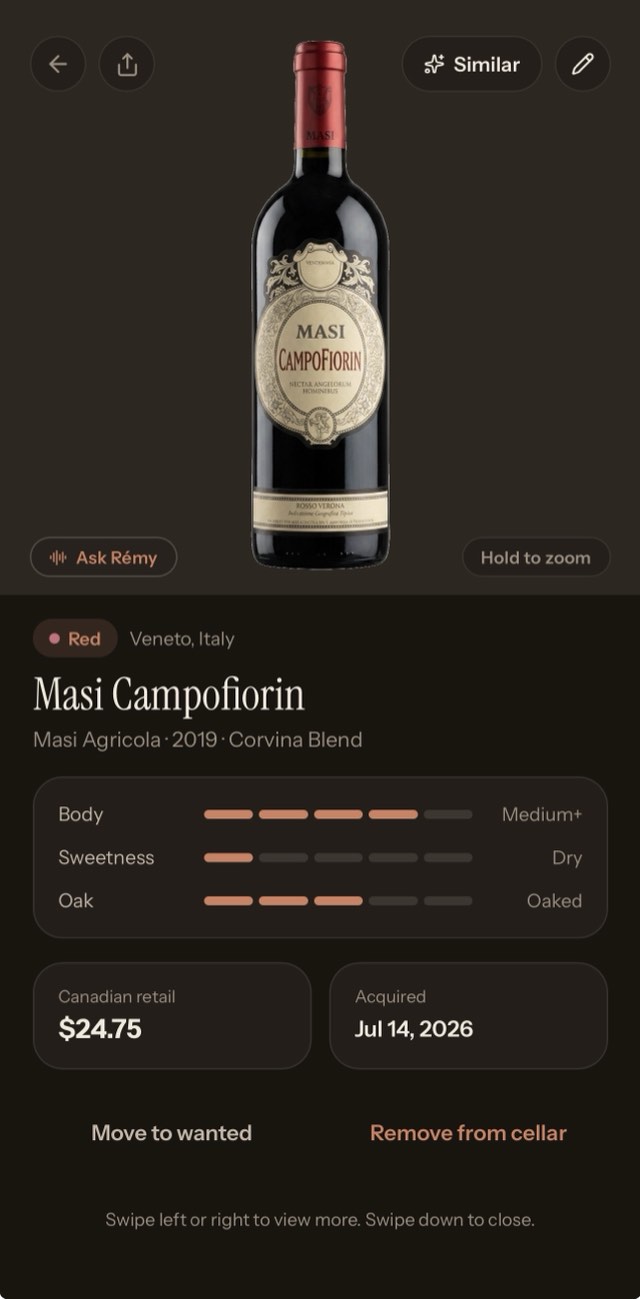
Filter by grape, region, vintage, style and drinking window. Every bottle carries its category colour.
Beer
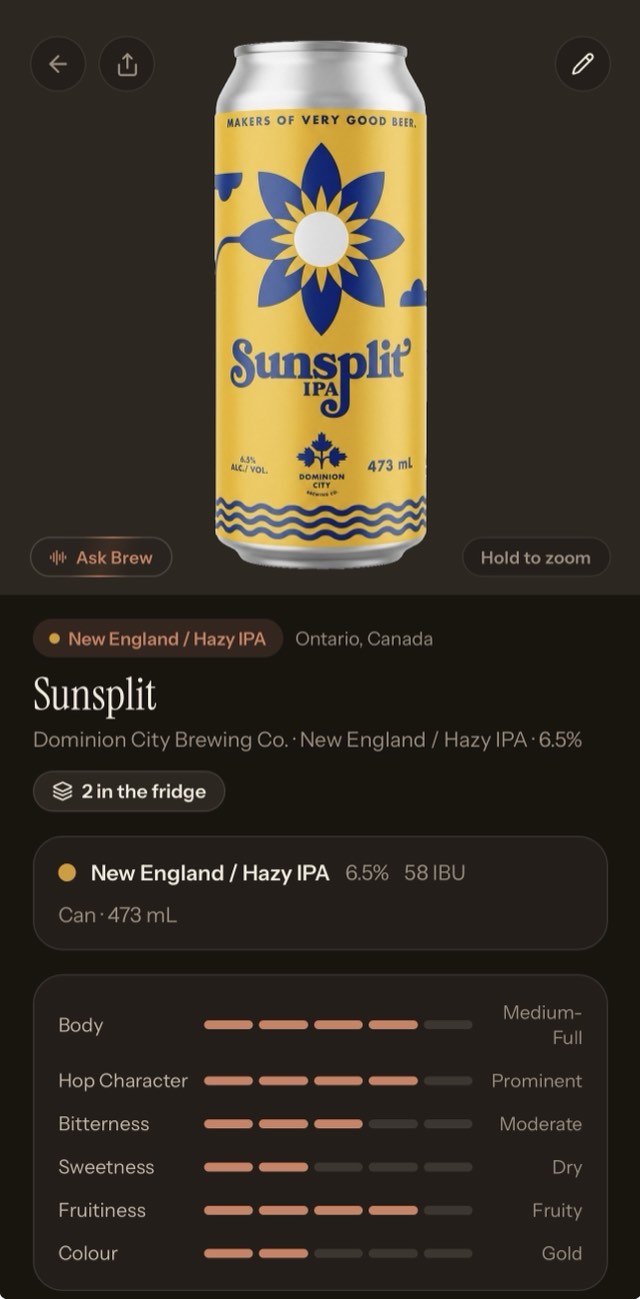
Filter by style, brewery, ABV, bitterness and format. Colour runs on its own scale, straw through black.
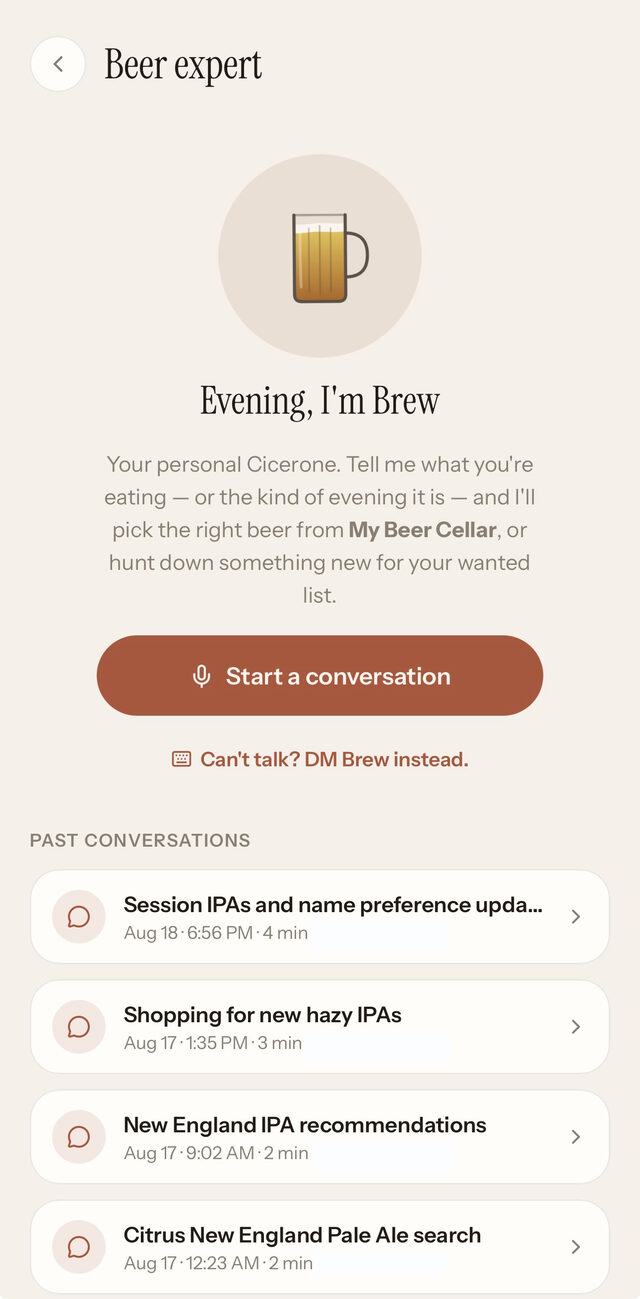
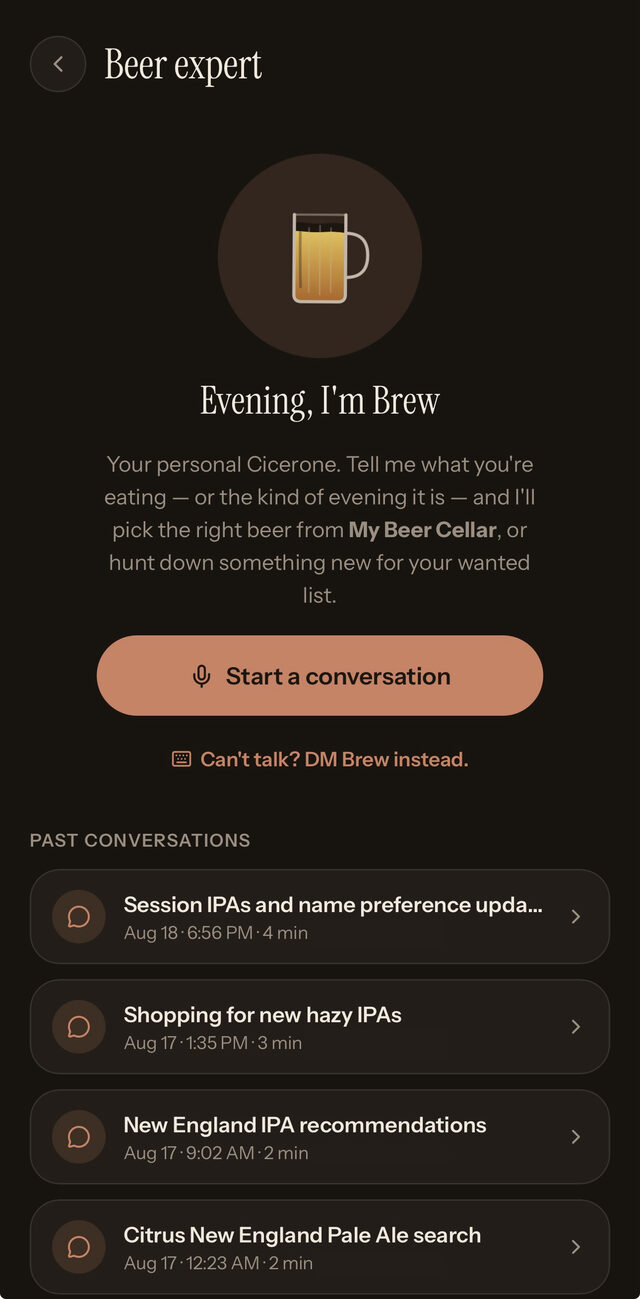
Rémy knows wine. Brew knows beer.
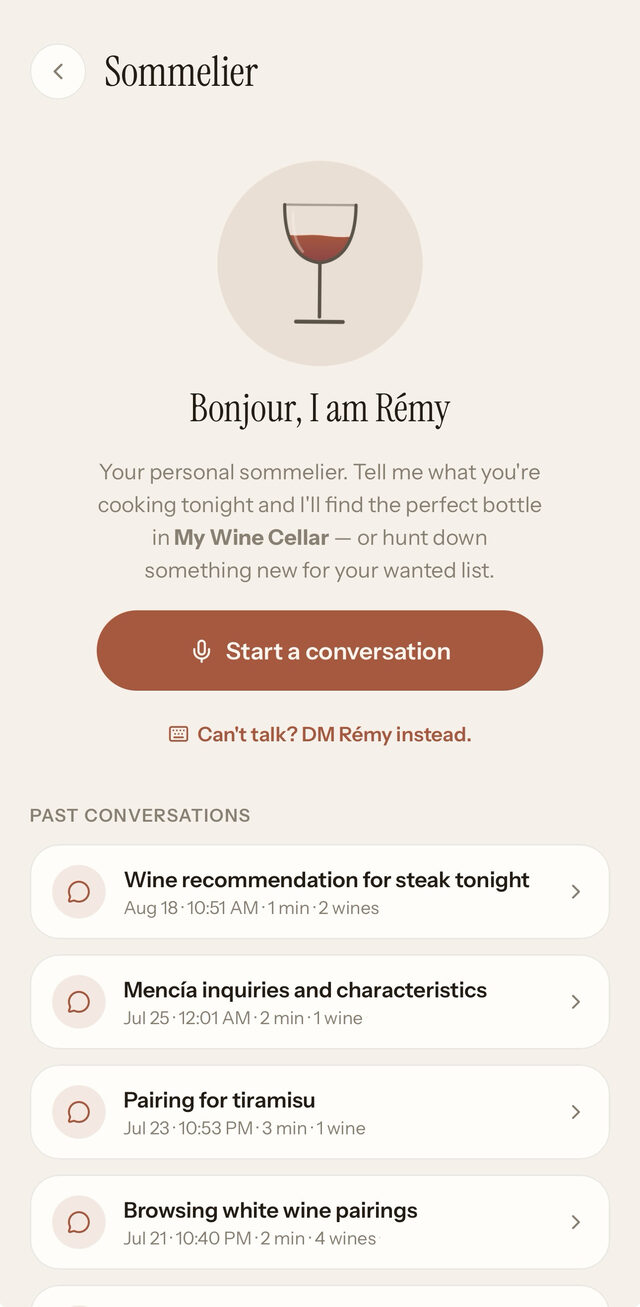
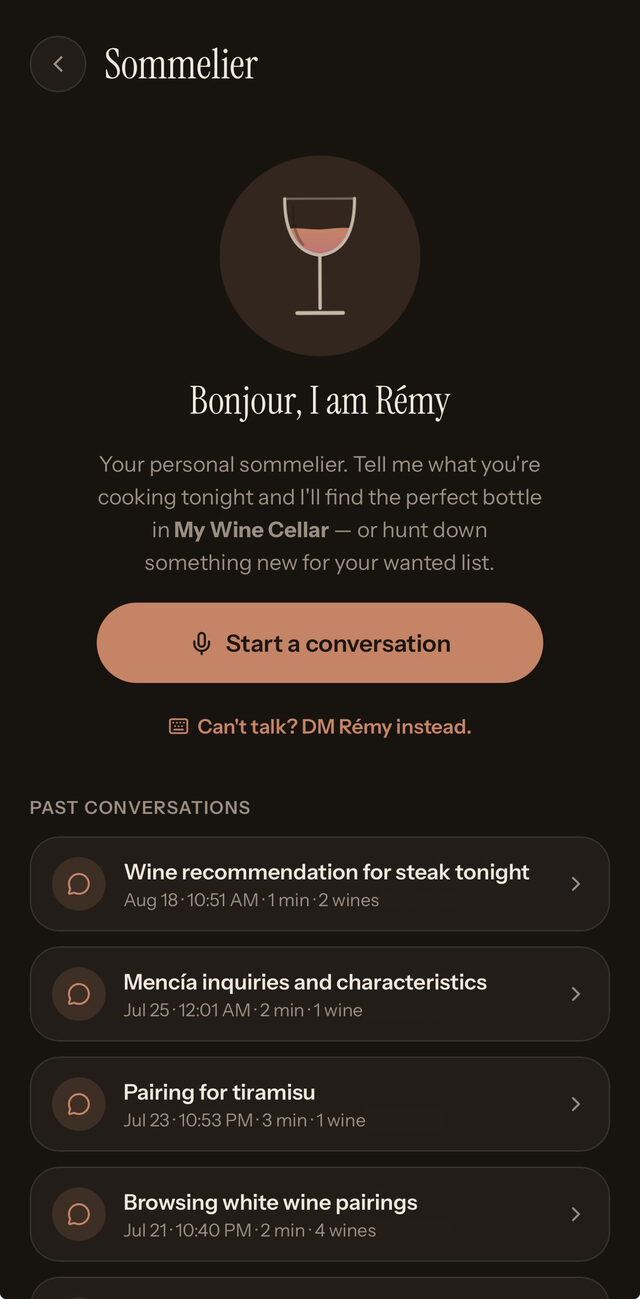
Both of them talk — properly, out loud, in conversation. Can't talk? DM them instead. Either way they know what is actually on your shelves, they notice when it changes, and they remember what you told them last time.
From your own shelves
“Something red, under twenty dollars, ready to drink now.” They answer from what you own, not from a catalogue.
Or something new
Ask what to look for next and they search, then hand back real bottles you can save for your next shop.
They keep up
Open a bottle and it leaves the cellar. Next conversation, they already know it's gone.
Wanted, poured, remembered.
A wanted list that fills itself
The bottle a friend poured you. The one on the restaurant list you meant to remember. The one Brew just suggested. All in one place, ready for the next shop.
Nothing disappears when you drink it
Opened or given away, a bottle moves to your history rather than vanishing — with five stars and room for what you actually thought of it.
Start with the bottle nearest you.
One photo and it's in. Everything else can wait for a rainy afternoon.
Create your cellar Back to Cellar